 WebODM
A much requested functionality has been the ability to generate PDF reports of map annotations. I'm pleased to announce that this feature is now available for everyone to use on Lightning and it makes it easy to prepare professional reports. 🔥 Let's dive into it:
Export Annotations to PDF
A new menu entry in the Map view from the cloud platform allows for quick export of all visible annotations to PDF.
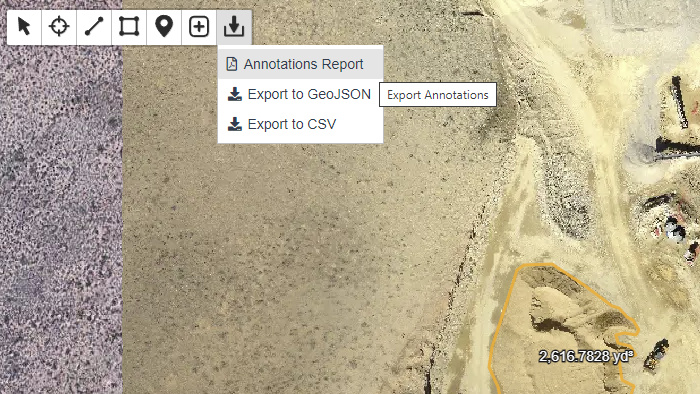
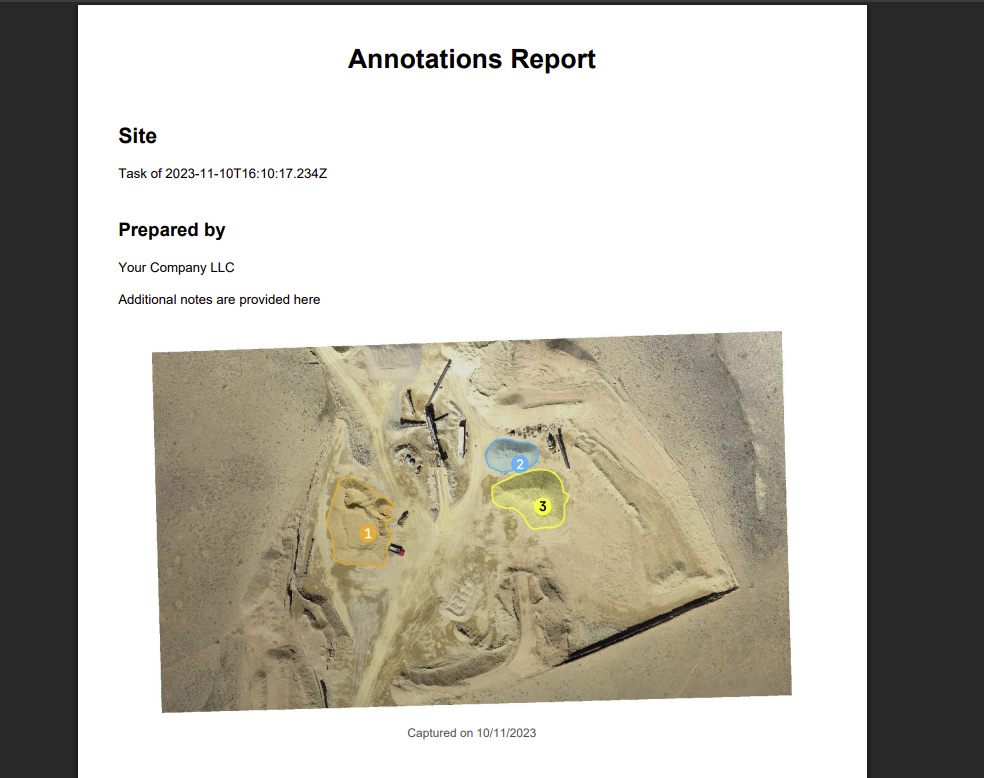
The report includes:
• A cover/overview section
• Detailed tables of measurements
• Custom information about the preparer and ability to add additional notes
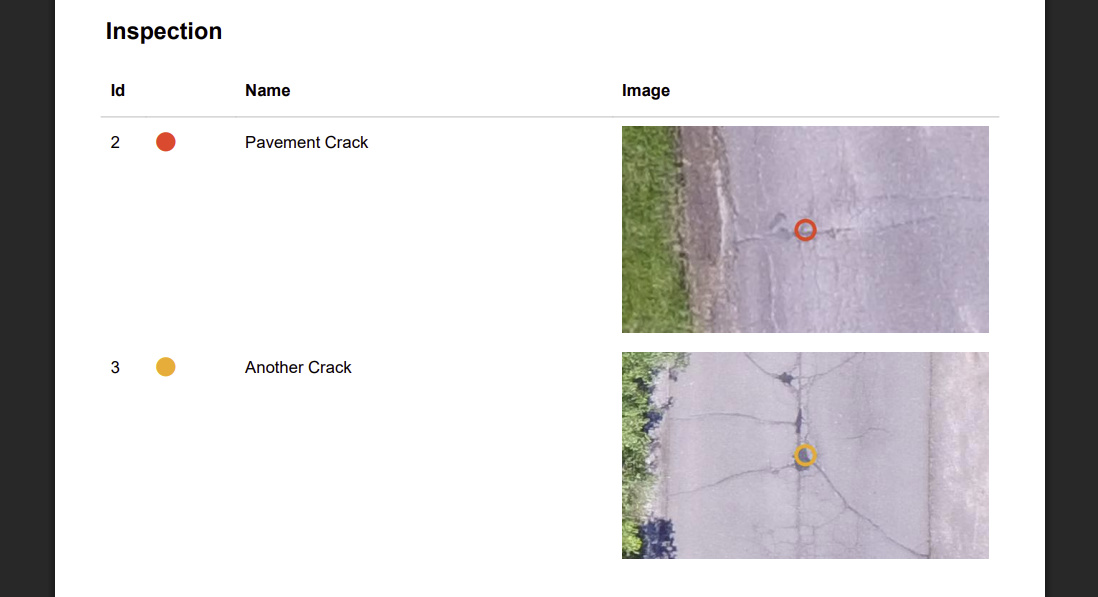
• Inspection images

Along with measurements, annotations made with the inspect tool also allow you to embed the images tied to the inspection:
You can read all the technical details in the new Generate Annotation Reports guide.
Export Annotations to CSV
In addition to GeoJSON, it's now possible to export annotations in CSV format, for more advanced and manual report generation possibilities.
Display Names on Map
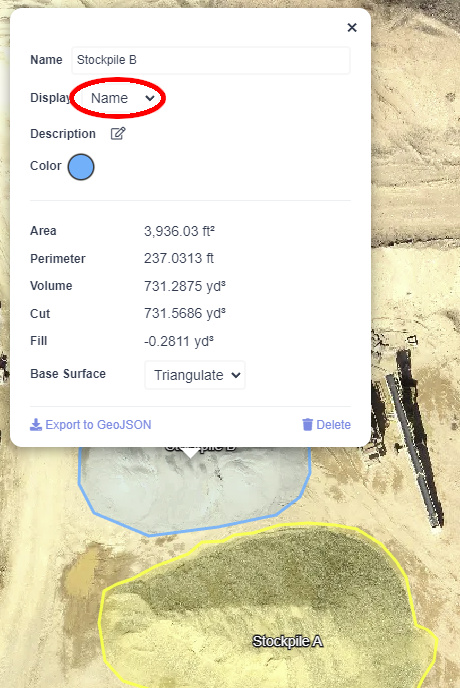
It's now possible to display annotation names on lines and polygons, making it easy to visually identify these annotations on the map. Simply change the Display field to Name:
Try all the new annotation features in this Live Demo
Enjoy and happy holidays!
-Piero